Lessons from designing the Classwork online classroom
Four design and architecture decisions from Classwork to replace group chats, scattered files, and manual tallies at schools.
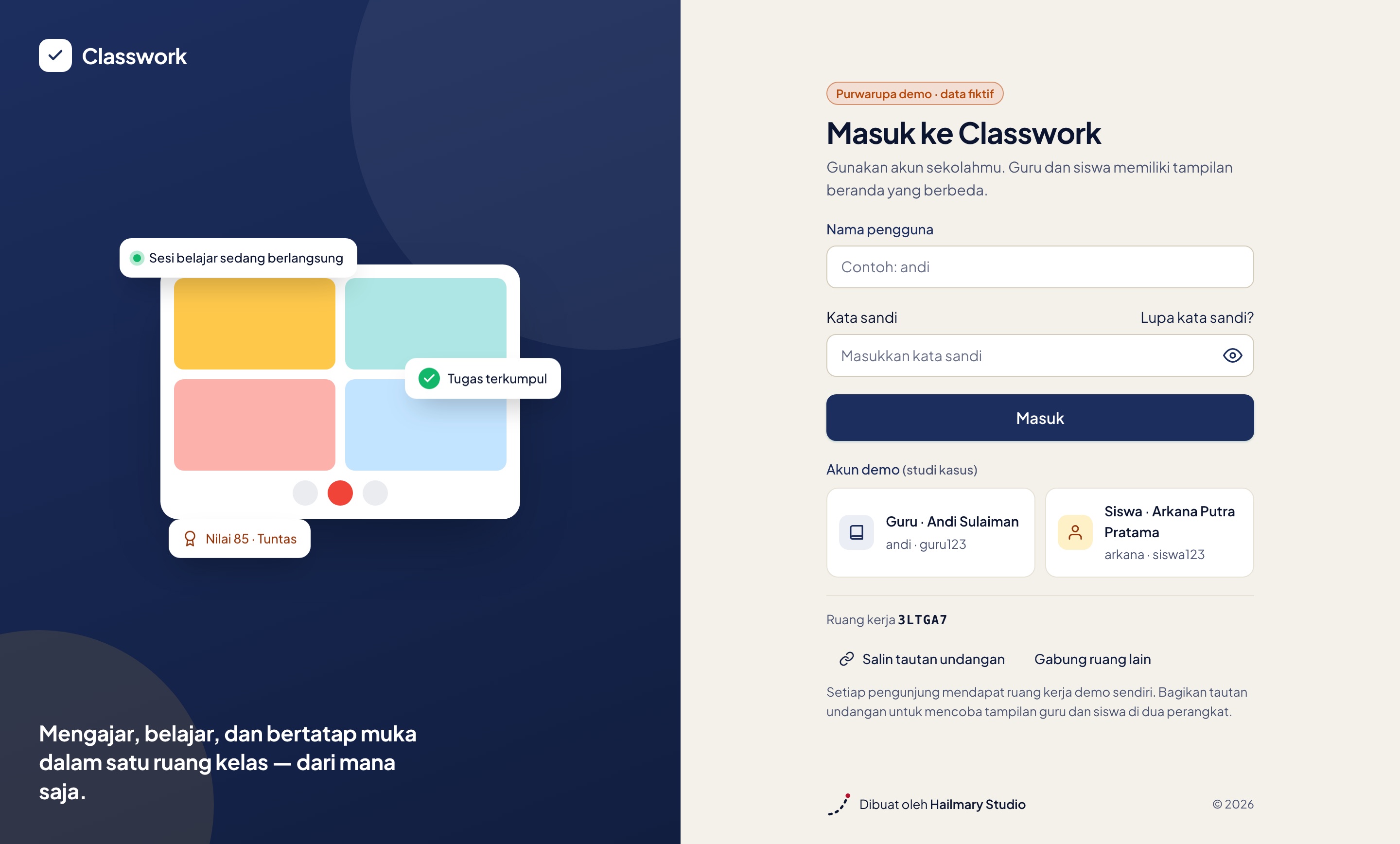
When designing Classwork, an internal online classroom prototype developed at Hailmary Lab, our focus was never just adding video calls or file upload forms. We observed how schools across Indonesia actually handled remote and hybrid learning: meeting links scattered across WhatsApp groups, homework submitted over email, grades manually compiled in spreadsheets, and remedial tasks falling through the cracks because teachers lost track.
Through that process, several core design and technical decisions shaped the system. You can explore the full project story and live interactive demo on the Classwork case study page.
4 Behind-the-scenes decisions
1. One front door, two focused views
Teachers and students sign in through the same entrance, but their home screens immediately filter what needs doing today. Teachers see their upcoming schedule and assignments waiting for review. Students see upcoming deadlines and today’s lessons. There are no deeply nested menus to confuse first-time users.
2. Native in-browser video sessions
We avoided external video conferencing apps that force separate downloads and logins. Live sessions run peer-to-peer straight inside the browser. Even if a student faces hardware limits or a slow mobile connection, they can seamlessly join in audio and chat mode without being locked out.
3. Built around how Indonesian schools actually run
Online classroom tools often fail because they ignore local schooling habits. In Classwork, we designed attendance workflows to handle sick leave, excused absences, and unexcused slips per session, automated make-up class scheduling for absent students, and added dedicated support for boarding school evening sessions.
4. Unambiguous status labels
Assignment and grading statuses leave no room for guessing. Consistent labels are used throughout: due tomorrow, late, needs review, passed, and needs remedial. Teachers can assign remedial work directly from the grading overview without rebuilding an assignment from scratch.
Applying this to your school
The lessons from the Classwork prototype show that digitalizing a school does not have to be convoluted or demand weeks of staff retraining. A well-engineered system cuts away redundant administrative busywork, returning valuable time back to teaching.
To explore how these principles extend into admissions, academics, and school finance, take a look at our school systems solutions, read our guide on school information system features, or reach out for a free consultation.